
What are the minimum system requirements for using the Delvotest Go device?
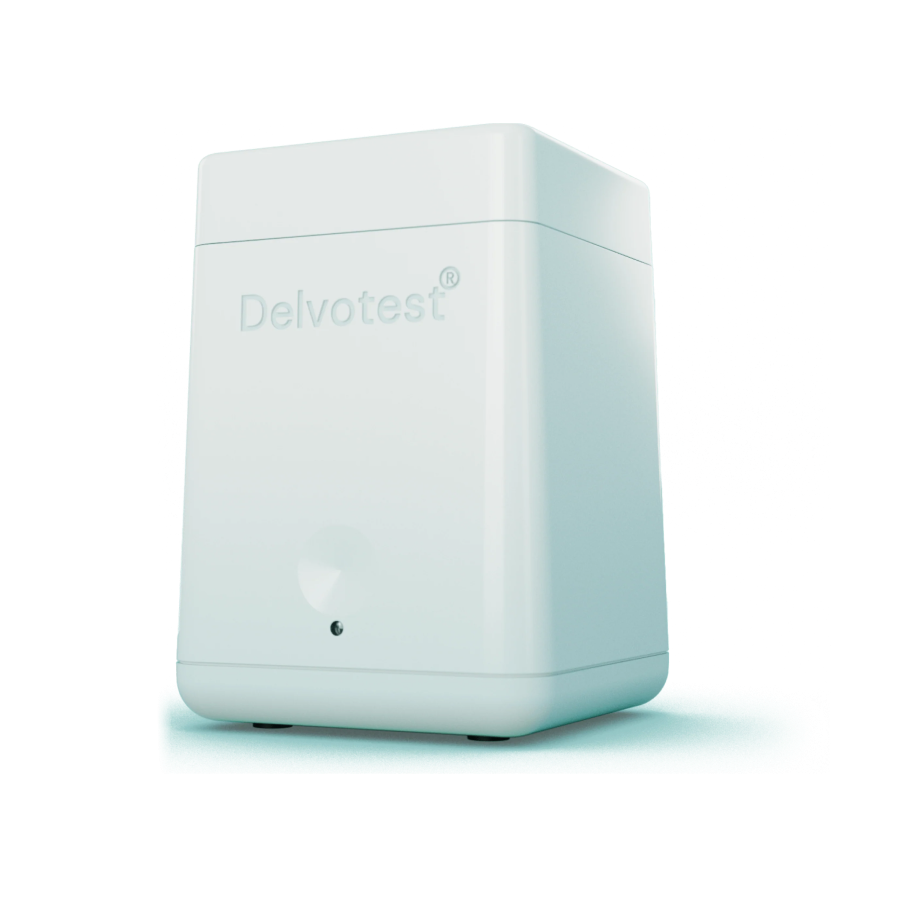
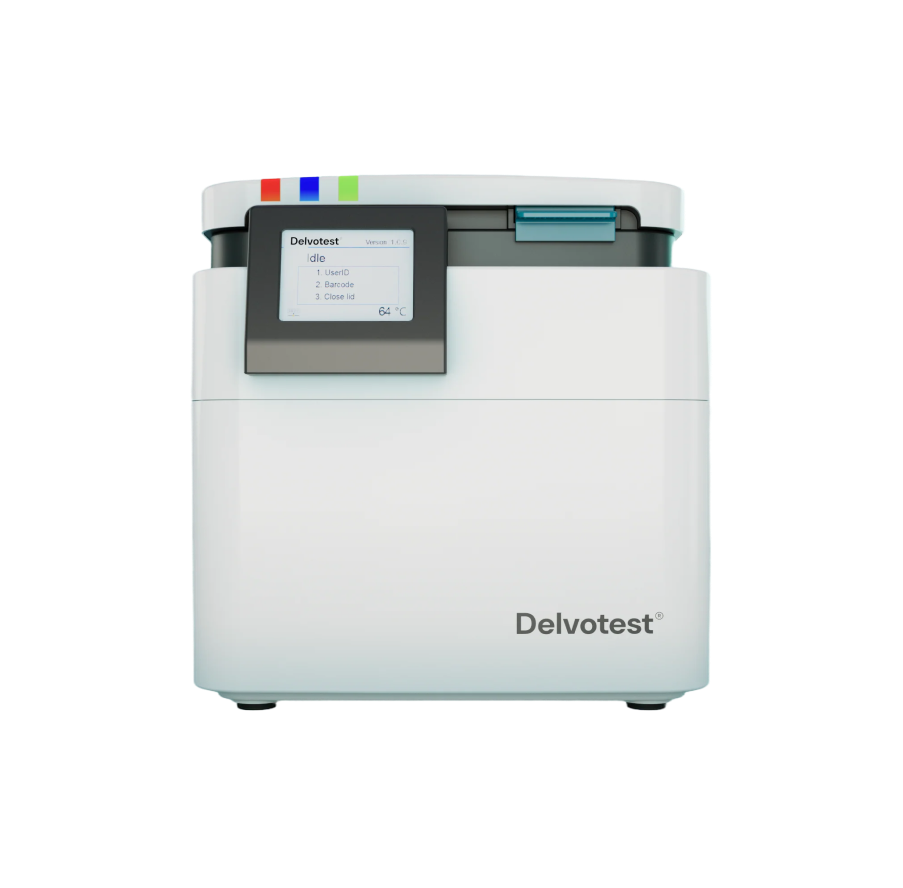
Before you can perform your first tests, you'll need to locally calibrate your Delvotest® Accelerator Smart (DAS). Calibration ensures your systems deliver accurate and reliable results by adjusting its internal parameters to match expected standards. In this article, we’ll cover:
What you’ll need to perform calibrations
Step-by-step guide to execute your first:
Position calibration
Uniformity calibration
and Colour calibration
How you extract your calibration's results
How to manage your customisable calibration cycles
What you'll need
Like all calibrations, reference standards are essential to serve as external baselines, providing accurate points of comparison for measuring and adjusting a system's accuracy. This is also the case for the DAS, for which there are two 'reference standard packages' you can follow: the 'old' and the 'new' packages.
Before you get started, make sure you have:
Pre-2025, the three DAS calibrations (position, uniformity, colour) required individual reference standards for each. This means under this system you'll need to have three things ready:
1. White Paper (Uniformity)
For uniformity calibrations under this 'old' reference standards package, you'll need a normal (i.e. standard printer paper, 90 gram/m2) piece of white paper, cut-to-size (155 x 130 mm). It should have a 'matte finish' with a whiteness index of 95 < CIE < 170 — just like this:
2. Black Paper (Position)
For position calibrations under this 'old' reference standards package, you'll need a normal (90 gram/m2), cut-to-size (190 x 240 mm) black piece of paper. It should have a 'matte finish' — just like in the example below. Dark, so-called 'copier paper' (i.e., black print created by 'scanning' a standard piece of printer paper whilst the scanner's lid is open) or a black cloth fitting to the required dimensions (i.e., 190 x 240 mm) should be enough.
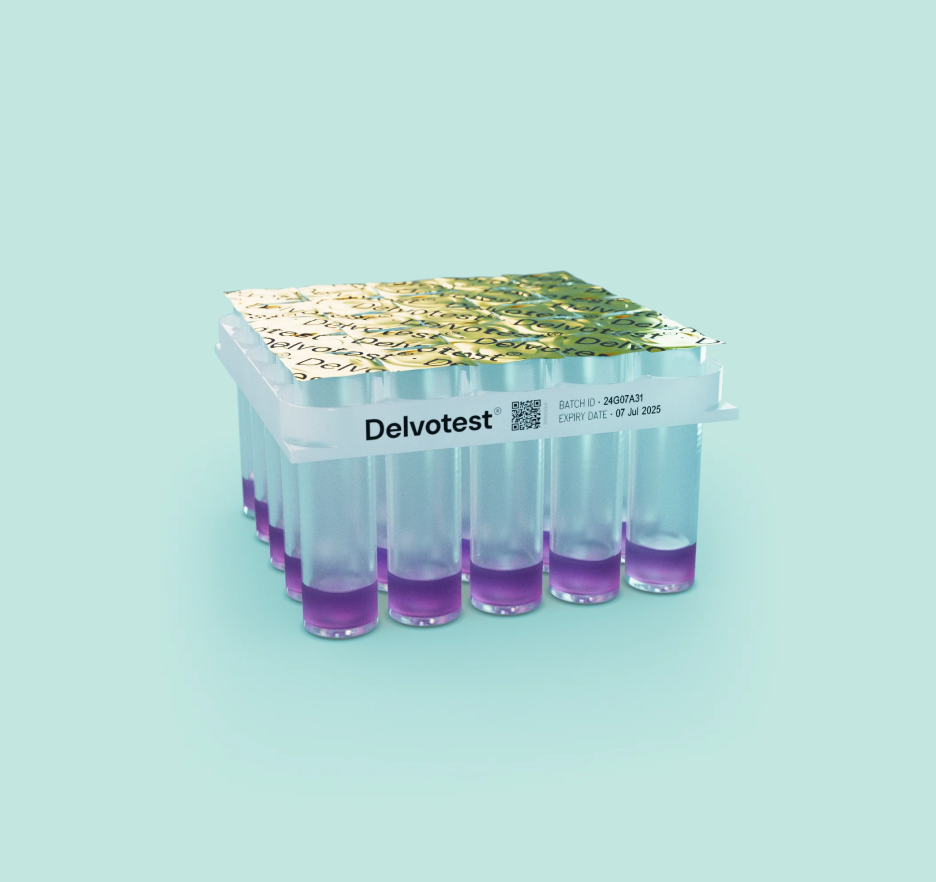
3. Un-Incubated Delvotest® Plate (Position)
For position calibrations under this 'old' reference standards package, you'll need a normal (90 gram/m2), cut-to-size (190 x 240 mm) black piece of paper. It should have a 'matte finish' — just like in the example below. Dark, so-called 'copier paper' (i.e., black print created by 'scanning' a standard piece of printer paper whilst the scanner's lid is open) or a black cloth fitting to the required dimensions (i.e., 190 x 240 mm) should be enough.